POSM Central Help

POSM Central provides web-based tools for managing inspection data, reviewing reports, sharing inspections, working with POSM Central GIS, synchronizing data with local POSM installations, and managing organization access.
Use the resources below to get started or jump directly to the part of POSM Central you need.
Start Here

Visual Guide
Not sure what a button or control is called? Explore POSM Central by selecting controls directly from screenshots of the application.
Open the Visual Guide
Quick Guides
Prefer to learn by watching? Use short video walkthroughs to see the most common POSM Central workflows demonstrated step by step.
Watch the Quick Guides
Getting Started
New to POSM Central? Start with sign-in, navigation, Session Management, and the basic POSM Central workflow.
Getting Started with POSM Central
Table of Contents
Prefer to browse the documentation by topic? View a complete list of POSM Central Help topics.
Browse the Table of ContentsCommon POSM Central Tasks
Manage Inspections
Use Session Management to locate, organize, search, validate, export, and manage inspections and projects.
Session Management
Review or Edit an Inspection
Open inspection headers, observations, images, video, pipe plots, and other inspection information.
Inspection Help
View Inspection Reports
Review real-time reports including Title Page, Faults, Plot, Video, Defect, ScanCam, Inclination, and supporting files when available.
Inspection Reports
Share Inspection Data
Share inspections or projects, manage existing shares, or transfer ownership to another POSM Central organization.
Sharing and OwnershipPOSM Central Tools
POSM Data Sync
Move inspection information between a local POSM installation and POSM Central.
Upload: Local POSM → POSM Central
Backup: POSM Central → Local POSM
POSM Central GIS
Open and work with your organization's configured GIS workspace, map layers, searches, inspection information, work orders, and other GIS tools.
POSM Central GISOrganization and User Management
Access Management
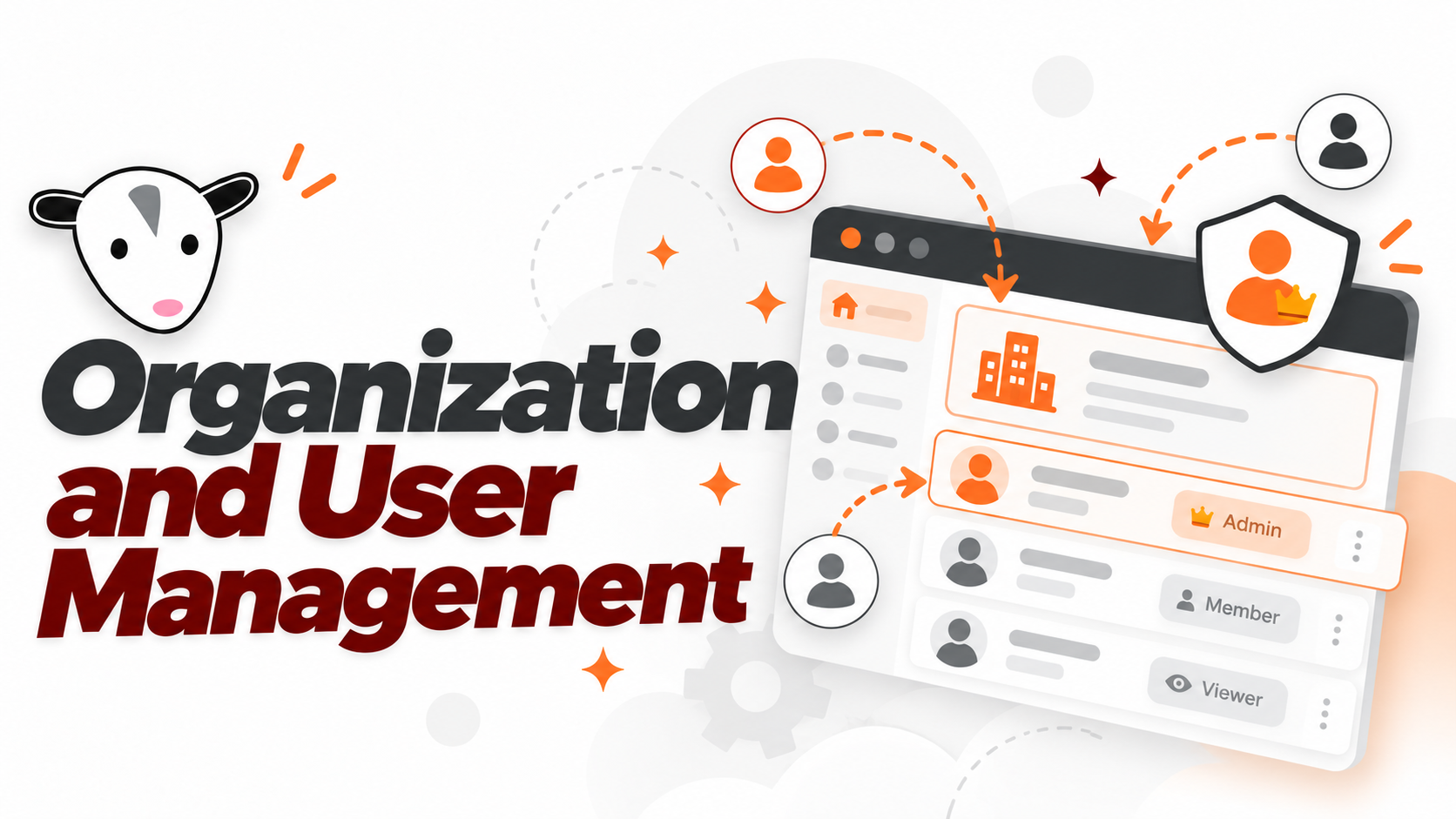
Organization Administrators can manage users, roles, invitations, account status, access levels, and related security settings.
Access Management
User Settings
Manage your account information, password, notification preferences, organization logo, and available security settings.
User SettingsNeed Help?

POSM Support is here to help.
POSM Support can assist with POSM Central, POSM Data Sync, GIS, inspection data, reports, configuration, or other questions.
You do not need to diagnose the problem before contacting Support.
Contact POSM SupportFind Help Your Way